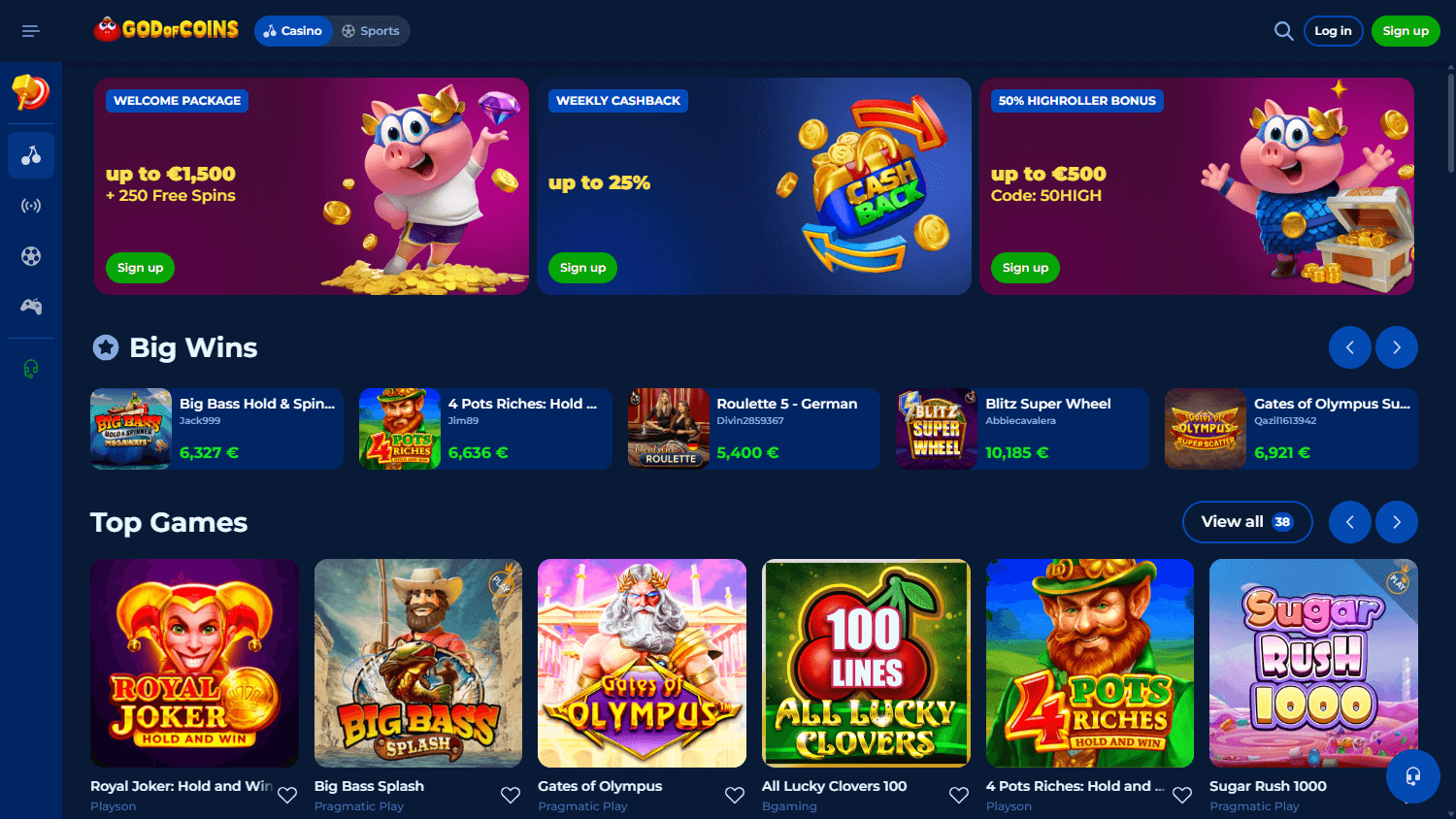
Creating an account at God of Wins Casino takes just a few minutes if you have the right documents ready https://god-of-win.com/de-de/login/. The process follows clear steps, shows exactly what information is needed, and features security checks from the start. The site displays the form in English, with more language choices available after login. This guide explains each stage so you know what to prepare, how long it takes, and what to do if something appears incorrect.
Confirming You Can Create an Account
Before registration, examine the eligibility rules that affect every new player. God of Wins Casino demands users to be at least eighteen years old and to provide personal details that match official ID documents. Players must also ensure they are not located in any jurisdiction where online gambling is prohibited by local law. The site checks the address and IP location during sign-up, so false details could cause immediate rejection or later account suspension. If you are unsure whether your region is accepted, read the terms and conditions page before you begin, because the casino will not activate accounts that violate these rules.
Another eligibility factor concerns previous accounts. The platform permits only one account per person, household, or IP address. If you already hold an active or closed account, attempting to register again will activate a duplicate-account alert. In such cases you should reach out to customer support with your original username rather than creating a second profile, because merged or multiple accounts may be restricted from withdrawals. Maintaining records of any earlier registrations aids avoid delays when support reviews your case.
Frequent Registration Issues and Ways to Resolve Them
One frequent obstacle is an email address that rarely receive the activation link. First, check spam or promotional folders, because some providers filter casino correspondence. If the message is missing, return to the registration page and request a new activation email; the system will only send one every five minutes to prevent flooding. Should the problem continue, verify that your email provider does not block domains containing the word “win” or similar gambling-related terms, and consider adding the casino’s sender address to your contacts list.
Another issue arises when the address on your proof-of-address document does not exactly match the address entered during sign-up. Even small differences such as “Street” versus “St” can cause automatic rejection. In such cases, edit your profile through the account settings page to align the spelling, then re-upload the document. If the mismatch stems from a recent move, you may need to supply an updated utility bill or a letter from your local authority confirming the change of address before verification can proceed.
Keeping Your Account Safe After Registration
Security does not stop once the account is created; ongoing habits influence how well your balance and personal data stay protected. Always log out after each session on shared or public computers, and steer clear of saving passwords in browsers that other users can access. Review the list of connected devices in the security section monthly and cancel any session that looks unfamiliar. If you receive an email asking for your password or 2FA code, treat it as suspicious; God of Wins Casino will never request these details by email or chat.
Regularly updating your password to a unique phrase that includes symbols and numbers further diminishes risk, especially if you use the same credentials on multiple sites. Enable transaction notifications by SMS or email so you get an alert whenever a deposit or withdrawal is initiated. Finally, keep the authenticator app and your device’s operating system updated, because security patches fix vulnerabilities that could otherwise be exploited to intercept one-time codes.
Complete Registration Overview

The registration form is split into four short screens that request only the data necessary for account creation and later verification. On the first screen you input an email address, choose a username, and define a password that satisfies the displayed complexity rules. The second screen requires your full legal name, date of birth, and gender, all of which must match the identification documents you will provide during verification. The third screen collects your residential address, city, postal code, and mobile number so the casino can transmit security codes or important notices. The final screen lets you choose your preferred currency and agree to the terms; once you click the confirmation button an activation email is delivered immediately.
Most players fill out the entire form in under four minutes if their documents are already scanned and ready. The system includes inline validation, highlighting any field that contains an obvious typo or does not meet length requirements. If the email address is already registered, a prompt is displayed suggesting password recovery instead of allowing a duplicate entry. After submission you should access the activation link on the same device and browser you utilized for registration, because session cookies help connect the verification click to your new profile and expedite the first login.
Signing In and Regaining Entry
Once your account is operational, the login page accepts either your username or the registered email address along with the password you set up. A “remember me” checkbox maintains the session active for up to fourteen days on secure devices, after which you must input credentials again. If you misplace your password, press the reset link on the login form and submit the email address linked to the account. A time-limited recovery link is delivered; clicking it displays a page where you can define a new password that has not been employed in the previous twelve months.
Repeated failed login attempts cause a temporary lock lasting thirty minutes. During this period you can still request a password reset, but you cannot try additional passwords until the lock runs out. If you think someone else is trying to access your account, turn on 2FA immediately after recovering entry and check the recent login history shown in the security log. Each entry displays date, time, IP address, and device type, permitting you to spot unfamiliar activity quickly.
Enabling Two-Factor Authentication
Two-factor authentication provides a additional layer of security in addition to your password and is suggested before you place your first deposit. After login, go to the security settings page and select the option to enable 2FA. The site produces a QR code that you scan with any authenticator app compatible with the TOTP standard. Once the code is linked, the app generates a six-digit number that changes every thirty seconds; you must enter this number each time you log in from a new device or after clearing browser cookies.
Backup codes are presented immediately after activation; write down or store them offline because they enable account access if your phone is stolen or the authenticator app is reset. If you choose later to disable 2FA, the same settings page asks you to enter a current code from the app before the feature can be deactivated. This prevents unauthorised users who may have obtained your password from eliminating the extra protection without your knowledge.
Required Paperwork for Identity Verification
ID verification, commonly known as KYC, is mandatory before a withdrawal can be handled. God of Wins Casino requires a government-issued identification like a passport, national identity card, or driver’s licence. The document needs to display your full name, date of birth, and a clear photograph; documents that have expired are not accepted. In addition, you must supply proof of address issued within the last three months, usually a utility bill, bank statement, or official tax document that shows your name and residential address just as it appears during registration.
Members who fund accounts with credit or debit cards are may be asked for a photo of the card’s front and back with the central eight numbers and CVV obscured. This step verifies ownership and reduces charge-back risk. All files may be uploaded directly through the account dashboard under the verification section, and each upload is reviewed automatically for readability. If an image is rejected you get an on-screen reason, such as glare, cropping, or mismatched data, so you can take it again and submit without contacting support in the majority of cases.
Setting Up Your Device and Browser for Smooth Registration
Browser Settings That Minimize Friction
Prior to opening the registration page, several small changes to your browser may stop interruptions that may otherwise push you to begin again the process. Firstly, clear your cache and cookies for the casino domain so that any previous test sessions do not interfere with the new account flow. Second, disable browser extensions that interfere with scripts or advertisements, since some of them incorrectly label the verification widgets as pop-ups. Finally, confirm your browser is set to allow cookies for the entire session; if they’re missing the activation link may not register correctly and you could lose the four-minute window the site grants for email confirmation.
Running an up-to-date version of Chrome, Firefox, or Edge also helps as older builds often fail with the newer TLS certificates that protect the registration pages. For those who prefer to register on a mobile device, change from data to a stable Wi-Fi connection; mobile networks occasionally change IP addresses mid-process and activate extra security checks. After these adjustments are made, bookmark the registration URL for immediate access if you must fetch a verification code or re-upload a document.

Device Safety Checklist
- Perform a current antivirus scan and remove any flagged items prior to entering personal data.
- Shut all other browser tabs that open banking or email accounts to reduce risk if malware is present.
- Turn on automatic screen lock after two minutes of inactivity so that shoulder-surfing is impossible on shared computers.
- Charge the device to at least fifty percent so it won’t be cut short by a sudden shutdown.
Adhering to this short checklist often clears the most common device-related rejections and holds the entire sign-up experience below the five-minute mark that most German players report.
Leave a Reply